
Most lifters spend a lot of time picking a program and almost none deciding how they'll actually run it. Then week three arrives, the plan lives in a screenshot somewhere in your camera roll, and you're standing at the rack trying to remember whether today is Upper A or Upper B.
A workout planner fixes that. It's where your program, your week and your targets live, so every session starts with a clear answer to "what am I doing today, and what am I trying to beat?" The question is whether that planner should be a notebook or something on your phone. Both work. They just work for different people, and picking the wrong one is a common reason good programs get abandoned.
The short version:
• Paper is best for beginners, simple programs and anyone who trains better without a phone in hand.
• Digital is best once your program involves percentages, rotating days or regular weight increases you don't want to calculate yourself.
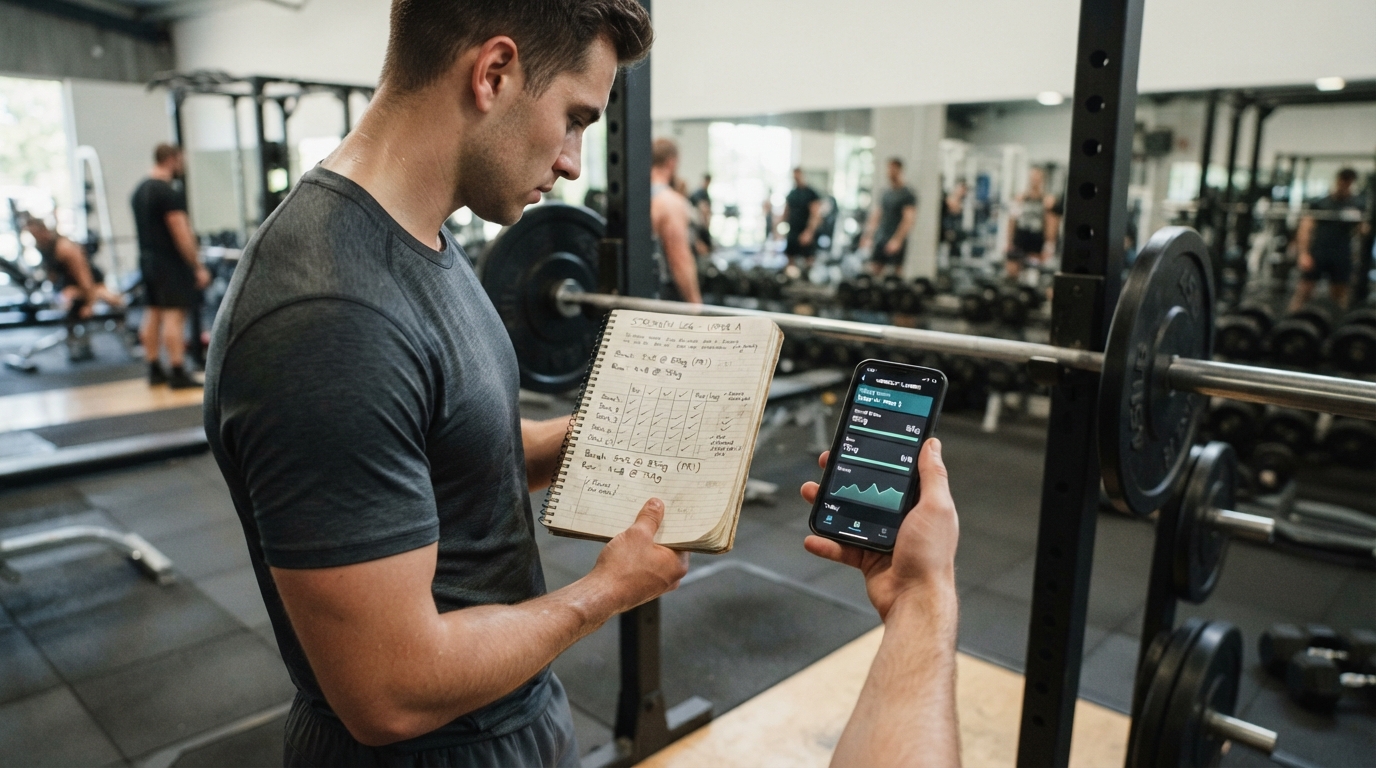
• A hybrid works well for many lifters: plan the big picture on paper, run the sessions digitally.
• Whatever you choose, your planner has to tell you today's workout and today's targets in under 30 seconds. If it can't, change it.
Planner vs. Log: What's the Difference?
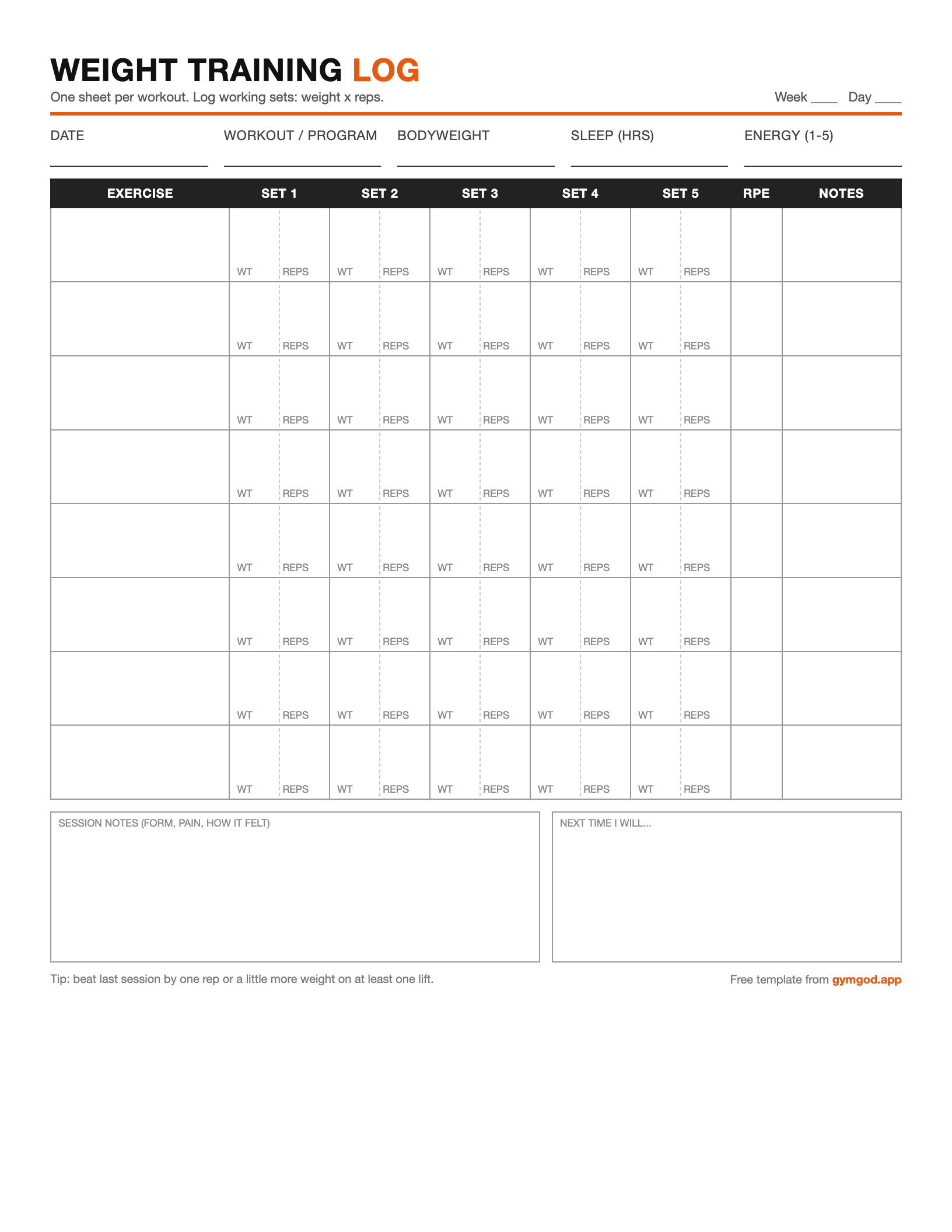
People use the words interchangeably, but they do different jobs. A log records what you did. A planner decides what you're going to do. A good gym workout planner covers four things:
- The program. Which split you're running and which exercises are in it.
- The schedule. Which days you train and which workout falls on each day.
- The targets. The weight, sets and reps you're aiming for in each exercise today.
- The progression rule. What changes next time if you hit your targets, and what happens if you don't.
The log feeds the planner. Last week's numbers are what set this week's targets. If you're looking for templates to record your sessions, we covered that in Weight Training Log Template: Free Printable + Digital Options. This article is about the planning side: where your program lives and how it tells you what to do next.
Why planning ahead matters: research on "implementation intentions" (deciding in advance exactly when, where and how you'll act) has repeatedly found that people who make specific plans follow through more often than people who only set goals. In one well-known study on exercise, 91% of participants who wrote down when and where they would work out actually did, compared with fewer than 40% of those who didn't. The format of the plan matters less than having one.
Paper Workout Planners
A paper working out planner can be as simple as a notebook with your program written on the first page, a printed program on a clipboard, or a whiteboard on the garage wall listing this week's sessions. Most experienced lifters have used one at some point, and plenty never stopped.
Pros
- No distractions. A notebook doesn't have notifications. Your rest periods stay rest periods.
- Total flexibility. Arrows, circled numbers, scribbled notes. You can lay out a plan any way that makes sense to you.
- The whole block at a glance. A 12-week plan on one or two pages makes it easy to see where you are and what's coming.
- Writing it makes you think. Copying out next week's targets by hand forces you to look at last week's numbers.
- Free, and it never needs charging.
Cons
- You do all the math. Percentages of a training max, plate loading and weekly increases are on you, and mistakes compound.
- Changes get messy. Swap one exercise mid-block or miss a week and the plan becomes a page of crossed-out lines.
- History is hard to search. Finding your best squat from six months ago means flipping through a lot of pages.
- No backup. A lost bag or a spilled bottle can take months of planning with it.
- Trends are invisible unless you chart them by hand.
Digital Workout Planners
"Digital" covers two very different tools: spreadsheets and workout apps. They have different strengths, so it helps to treat them separately.
Spreadsheets
Many of the best-known programs, from 5/3/1 variations to nSuns, have been passed around as spreadsheets for years, and for good reason. Enter your training maxes once and the formulas fill in every working weight for the whole block. Spreadsheets are free, endlessly customizable, and ideal if you like analyzing your own data or you're writing programs for someone else.
The downside is using them in the gym. Spreadsheets are built for keyboards, not for tapping in a set of 8 with chalk on your hands. Most people who plan in a spreadsheet end up logging somewhere else and copying the numbers over later, which is exactly the kind of chore that gets skipped.
Workout Apps
A workout planner app combines planning and logging in one place. The best ones show today's workout, your targets and your previous numbers the moment you open them, then adjust next session's targets based on what you actually did. That closes the loop between "plan" and "log" that paper and spreadsheets leave you to manage by hand.
Apps generally plan your training in one of three ways:
- Pre-built programs: pick an established routine and the app schedules it and handles progression for you.
- Generated plans: the app builds a routine from your goals, schedule and equipment, and some adjust it as you train. We looked at one of the best-known examples in our Fitbod review.
- Custom routines: you build your own split exercise by exercise and the app runs it.
The risks with apps are real too. Some are bloated with social feeds and pop-ups that turn a 90-second rest into a 6-minute scroll (more on that in Your Rest Times Are Too Long). Others lock your data in, so years of training history vanish if you cancel. Before you commit to one, check that it can export your history.
Paper vs. Digital: Side by Side
| Paper | Spreadsheet | Workout app | |
|---|---|---|---|
| Setup time | Minutes | An hour or more, unless you use a template | Minutes |
| Working out weights | By hand | Formulas, once set up | Automatic |
| Using it mid-workout | Fast | Awkward on a phone | Fast |
| Changing the plan | Messy | Easy, if you understand the formulas | Easy |
| Seeing the whole block | Excellent | Excellent | Varies by app |
| Analyzing your history | By hand | Unlimited | Built-in charts, plus export if supported |
| Distraction | None | Phone in hand | Low to high, depending on the app |
| Cost | Free | Free | Free to paid |
When to Use Which
There's no single best workout planner, only the best one for where you are right now. Find the situation that sounds most like you.
You're new to lifting and running your first program
Use paper, or a simple app. Beginner programs are short and progress in small, steady steps, so there's not much math. Writing each session out helps you learn the lifts and the structure. If you'd rather not think about weights at all, an app running a proven beginner program does the same job.
You're following a percentage-based program
Go digital. Programs built on training maxes and weekly percentage waves, like 5/3/1, involve a lot of arithmetic. One calculation error on paper can throw off a whole block. A spreadsheet or app does it correctly every time.
You're experienced and write your own split
Either works. You already know what you want, so the planner just needs to stay out of your way. Paper suits lifters who change things often and like to think on the page. An app with custom routines suits lifters who want their previous numbers in front of them without flipping back through a notebook.
You train in different gyms or travel often
Go digital. When the equipment changes, the plan has to change with it. Apps that can swap exercises or rebuild a session around the equipment you have save you from rewriting a notebook in a hotel gym.
You love data, or you coach other people
Use a spreadsheet, or an app that exports. Nothing beats a spreadsheet for custom analysis. The best setup is often an app for the gym floor and a spreadsheet for review, as long as the app lets you export your data.
Your phone is the problem
Use paper, at least for a while. If a quick check of your plan regularly turns into ten minutes of scrolling, take the phone out of the equation. A clipboard can't send you a notification.
The Hybrid Approach
You don't have to choose just one. Two hybrid setups work especially well:
- Plan on paper, train digitally. Sketch your training block, goals and deload weeks in a notebook where you can see it all at once, then run the day-to-day sessions in an app that tracks your numbers and handles progression.
- Train in an app, review in a spreadsheet. Log every set on your phone during the workout, then export your history once a month and dig into it on a bigger screen: volume per muscle group, estimated 1RM trends, which rep ranges moved your lifts.
How to Set Up Your Gym Workout Planner (Either Way)
Paper or digital, the steps are the same:
- Pick one goal for this block. Size, strength, or general fitness. If you're torn between the first two, read Building Muscle vs. Getting Stronger first.
- Be honest about your schedule. Three sessions you'll actually do beat five you'll skip half of.
- Choose a proven program, or a split that fits your days. Full body for 2 to 3 days, upper/lower for 4, push/pull/legs for 3 or 6.
- Write down your progression rule. For example: "When I hit the top of the rep range on every set, add 5 lb next session." Our guide to progressive overload covers the main options.
- Schedule your review. Put a check-in on the calendar every 4 to 6 weeks to decide whether to keep going, adjust or take a lighter week.
Here's what one week of a simple upper/lower plan looks like written out. It fits on an index card or a single app screen:
Block: Strength, weeks 1-8       Rule: top of range on all sets = +5 lb

MON  Upper A   Bench 3x6-8 @ 185 | Row 3x8-10 @ 155 | OHP 3x8 @ 105
TUE  Lower A   Squat 3x5-7 @ 245 | RDL 3x8 @ 205 | Leg Press 2x12 @ 360
THU  Upper B   OHP 3x6-8 @ 110 | Pull-up 3xAMRAP | Incline DB 3x10 @ 60
FRI  Lower B   Deadlift 3x5 @ 295 | Front Squat 3x6 @ 185 | Leg Curl 2x12

Review: week 6. Deload if two or more lifts stall.
Common Workout Planning Mistakes
- Program-hopping. Switching programs every two weeks means you never find out whether any of them work. Most programs need 8 to 12 weeks to judge fairly.
- Planning exercises but not targets. "Bench, rows, overhead press" isn't a plan. "Bench 3x6-8 at 185" is.
- No progression rule. Without one, you'll pick weights by feel and end up doing the same numbers for months.
- Over-planning. A 16-week plan with every set mapped out falls apart the first time you get sick. Plan the block in outline and the next week in detail.
- Changing tools constantly. Your history is only useful if it's all in one place. Pick a system and give it a full training block.
Frequently Asked Questions
Is a paper workout planner better than an app?
Neither is better in general. Paper is fast, free and distraction-free, which makes it great for beginners and simple programs. Apps do the math and show your previous numbers automatically, which matters more as programs get more complex. The best planner is the one you'll actually open before every session.
What should a gym workout planner include?
Your program or split, which workout falls on which day, target weight, sets and reps for each exercise, and the rule for progressing. A scheduled review date every 4 to 6 weeks is a useful extra.
How far ahead should I plan my workouts?
Plan the training block (usually 6 to 12 weeks) in outline: goal, split and progression rule. Plan the next week in detail. Planning every set months in advance rarely survives contact with real life.
Can I switch from paper to an app without losing my progress?
Yes. You don't need to copy over your whole history. Enter your current working weights, or recent best sets, for each main lift and start from there. Keep the notebook for reference.
Are AI workout planners any good?
They can be, especially if you don't want to design a program yourself or your equipment changes often. Look for one that keeps the routine consistent from week to week, so you can actually progress on the same lifts, rather than one that shuffles exercises every session.
The Bottom Line
Paper wins on simplicity and focus. Digital wins on math, flexibility and history. If you're starting out, a notebook is enough. Once your program gets more involved, or you'd rather spend your energy lifting than calculating, a digital planner earns its place. Either way, the habit matters more than the tool: know today's workout, know today's targets, and write down what happened.
If you do go digital, the GymGod app is one option built around the approaches above. You can run one of several well-known programs, let its AI planner build a routine around your goals and equipment, or set up your own custom split if you already know what you want. It suggests your next weights as you go, and you can export your history to CSV whenever you want to analyze it in a spreadsheet or another tool.