MacroFactor Workouts is a strength training app from the makers of the MacroFactor nutrition tracker that builds a program for you and adjusts your weights and reps after every session. It has no free tier: after a 7-day trial it costs $11.99 a month, $47.99 for six months or $71.99 a year in the US. Our verdict: its auto-progression is genuinely good, but with no Apple Watch app, no way to import your history and no lifetime option, most lifters get the same progressive-overload approach for far less elsewhere.
Full disclosure: we make GymGod, a workout tracker built on the same idea, so we've tried to be precise about what MacroFactor Workouts does well. Every fact below about it comes from its US App Store listing and MacroFactor's own help center, both checked in November 2026. If you're deciding between it and a free log, we cover that in MacroFactor Workouts vs Hevy.
MacroFactor Workouts at a Glance
| Made by | Stronger By Science Technologies, the team behind MacroFactor |
| Who plans workouts | The app (Smart Generation), an imported program, or you |
| Auto-progression | Yes, "Smart Progression" based on your logged weight, reps and RIR |
| Free version | No, 7-day trial only |
| Price | $11.99/month, $47.99/6 months, $71.99/year. No lifetime option |
| With MacroFactor nutrition | Separate subscription, or $89.99/year for both |
| Apple Watch | No (not listed in App Store compatibility) |
| Import history from other apps | No, manual backfill only |
| App Store rating | 4.8 from 4.9K ratings |
US App Store listing and MacroFactor help center, checked November 2026.
MacroFactor Workouts Review (2026): What the App Is

The MacroFactor Workouts app launched in January 2026 as a sister app to MacroFactor, the adaptive calorie and macro tracker. It's a separate download with its own subscription, on iPhone, iPad and Android. The pitch is simple: instead of handing you an empty log, it acts like a coach. It writes your program, tells you what to lift on every set, and adjusts the next session from what you actually did.
It's aimed at people who take lifting seriously. You log reps in reserve (RIR) on your sets, the exercise library has technique videos by Jeff Nippard, and there's a plate calculator, a smart warm-up planner, supersets, partial reps and myo-reps. It's ad-free, and body metrics and progress photos sync with the MacroFactor nutrition app.
Setup: How MacroFactor Workouts Builds Your Program
You have three ways to start. Most people use Smart Generation, which asks a short list of questions and writes a complete program. According to MacroFactor's help center, it asks for:
- Your primary goal, such as strength or hypertrophy
- Optional focus muscles (you spread five "focus points") and up to five muscle groups to deprioritize
- Training days per week and session length
- A gym profile, which holds the equipment you have, so a home gym gets a different program than a commercial one
- Training structure (full body, upper/lower, and since a recent update push/pull/legs), whether to include deloads, and your lifting experience
The other two routes: import one of Jeff Nippard's programs if you already own it (or a program from a correctly formatted spreadsheet), or build your own in the program editor. After a program is made you can swap exercises from the app's suggestions, add supersets and change the schedule. Programs run on training cycles rather than a calendar, so a missed day doesn't break anything.
Setup is well thought out. The one catch is the lingo: RIR targets are central to how the app works, and a few App Store reviews from newer lifters say the app assumes you already know what that means. Our RPE calculator explains RIR and RPE if you're new to them.
Smart Progression: The Best Thing About It
This is where MacroFactor Workouts earns its reputation. As you log each set, Smart Progression sets the target for the next one. MacroFactor says it's rule-based logic, not generative AI, and that it looks at four things: the weight and reps you log, your RIR target, how your performance compares to what it expected, and your history on that exercise. Have a bad day and it may ease the weight down a little rather than push you into a failed set. A fall 2026 update added a choice of rep progression scheme: static, linear, reverse linear or undulating.
Just as important is what it doesn't do: Smart Progression doesn't change your exercises. Your squat stays your squat, week after week, and the target creeps up. That's progressive overload, the thing that actually makes you stronger: the same lifts, beaten a little each session. Plenty of "AI" workout apps get this wrong by reshuffling your workouts every day. MacroFactor Workouts gets it right.
It's also the same idea GymGod is built on, which is why the rest of this review comes down less to "does it work?" and more to "what are you paying for it, and what's missing?"
What MacroFactor Workouts Does Well
- Auto-progression done properly: set-by-set targets from your logged weight, reps and RIR, on lifts that stay the same.
- Thoughtful program generation: goal, focus muscles, schedule, session length and equipment all shape the plan.
- Gym profiles: separate equipment lists for each place you train, with a plate calculator based on the plates and bars you have.
- Serious lifting details: RIR tracking, warm-up planner, supersets, partial reps, myo-reps and left/right side tracking.
- Technique videos by Jeff Nippard, and his programs can be imported if you own them.
- Works with the nutrition app: body metrics and progress photos sync if you also use MacroFactor.
- Android and iPhone, no ads, and a team that ships updates often.
Where MacroFactor Workouts Falls Short
- No free tier: after the 7-day trial you're paying at least $5.99 a month (billed $71.99 a year), and there's no one-time purchase.
- No Apple Watch app: the App Store lists iPhone, iPad, Mac and Vision Pro, not Apple Watch, and MacroFactor's help center says smartwatches don't connect to it directly. You log on your phone.
- You can't bring your history: MacroFactor's help center says you "cannot import data from other workout apps at this time." Years of Strong or Hevy logs stay behind unless you re-enter them by hand.
- Separate from MacroFactor: a nutrition subscription doesn't include it for new users, so both apps cost $89.99 a year.
- A learning curve: it's built around RIR and lots of options, which suits experienced lifters more than beginners.
How Much Does MacroFactor Workouts Cost?
MacroFactor Workouts price, from the US App Store listing:
| Plan | Price | Per month |
|---|---|---|
| Monthly | $11.99 | $11.99 |
| Six months | $47.99 | $7.99 |
| Yearly | $71.99 | $5.99 |
| Yearly bundle with MacroFactor nutrition | $89.99 | $7.50 |
| Lifetime | Not offered |
Is MacroFactor Workouts free? No. The app is free to download and every plan starts with a 7-day trial, but the listing states plainly that it "does not offer a free subscription tier." When the trial ends, you subscribe or you stop using it.
Is MacroFactor Workouts Included With MacroFactor?
Usually not. MacroFactor's help center says the two apps are subscribed to individually, or together as a bundle for $89.99 a year. A single-app plan covers only that app.
The exception is long-time users: if your MacroFactor nutrition subscription started before January 1, 2026 and you keep it active, you get MacroFactor Workouts free through January 12, 2027. After that, you move to the $89.99 bundle price for both. If you're in that group, use the free months to see whether you'd actually pay for it.
MacroFactor Workouts vs Fitbod
Both apps plan your training for you, and neither has a free version. The difference is what happens from one session to the next.
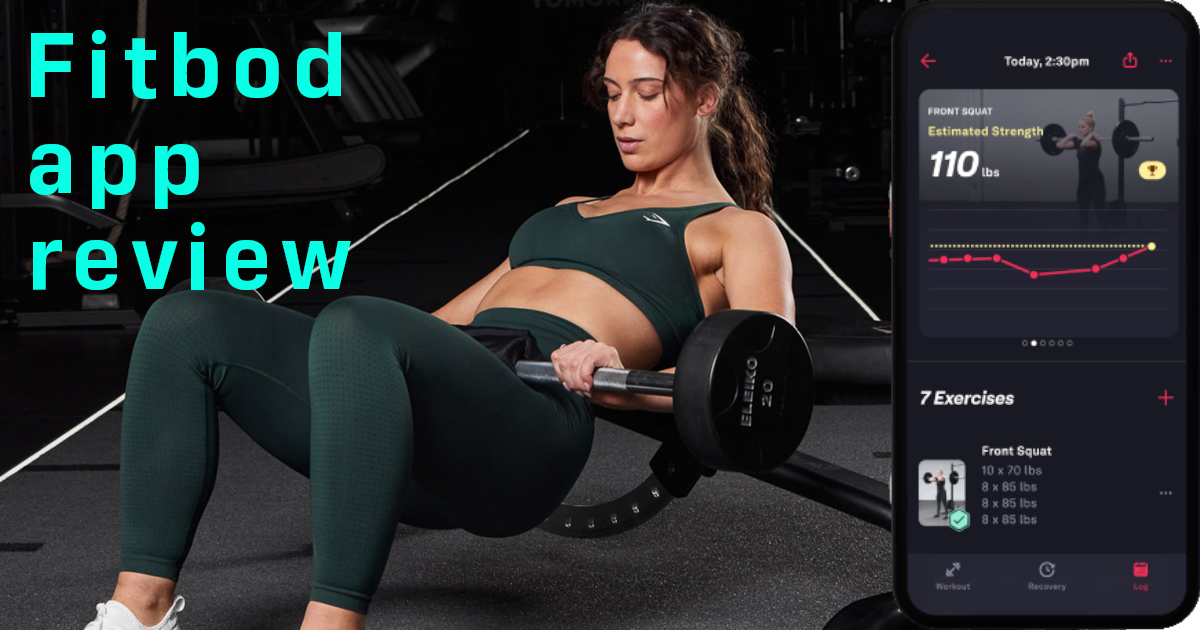
Fitbod generates a new workout most days, built around which muscles it thinks are recovered. It costs $15.99 a month or $95.99 a year after a free trial, and it does have an Apple Watch app.
MacroFactor Workouts writes a program once and keeps it. Smart Progression adjusts your weights and reps but leaves the exercises alone, so you can see whether you beat last week on the same squat, the same bench, the same row. It's also cheaper: $11.99 a month or $71.99 a year. Where Fitbod wins is the wrist, since MacroFactor Workouts has no Apple Watch app, and on variety, if variety is what keeps you showing up.
For getting stronger, MacroFactor Workouts is the better of the two. We go deeper on Fitbod's pricing and AI in our Fitbod review.
MacroFactor Workouts vs Hevy
Hevy is the opposite kind of app: a free, social workout log where you plan your own training, with an Apple Watch app and optional Pro features. Its free version doesn't progress your weights; Hevy Pro adds Hevy Trainer, which builds a program and raises the weight once you hit the top of your rep range on every set. We compare the two side by side, including price and Apple Watch support, in MacroFactor Workouts vs Hevy.
Is MacroFactor Workouts Worth It?
It's worth it in two cases. If you subscribed to MacroFactor before 2026, it's free until January 2027, so there's nothing to lose. And if you're on Android and want an app that programs and progresses for you, it's one of the better options.
For everyone else, the question is what the $71.99 a year buys. The core value is auto-progression on a consistent program, and that's no longer rare. If you train with an Apple Watch, have years of logs in another app, or simply don't want another $72 subscription, there's a better fit.
The Best MacroFactor Workouts Alternative: GymGod
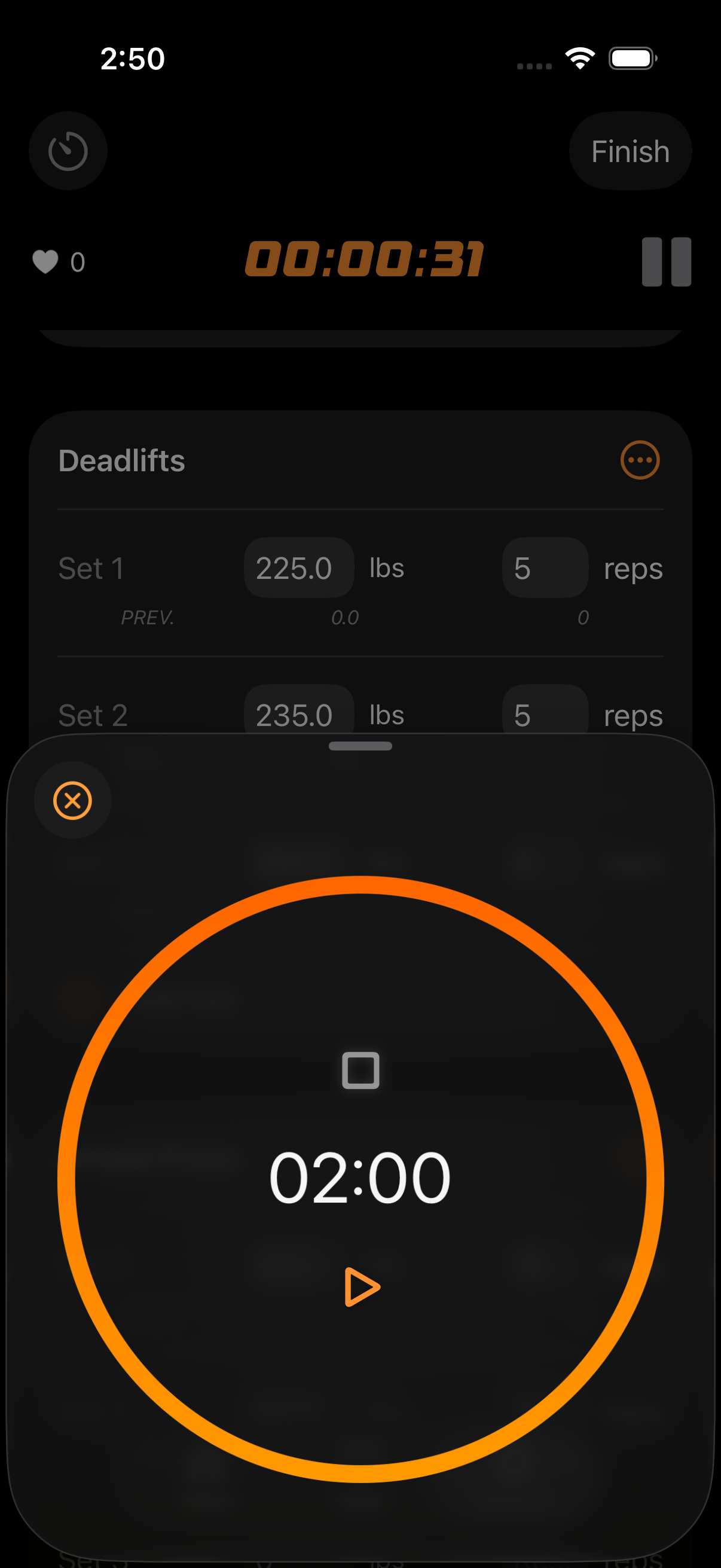
GymGod takes the part MacroFactor Workouts gets right, a consistent routine with weights that go up automatically, and fixes what it gets wrong for most iPhone lifters. Its AI coach builds you a routine that stays consistent, puts your last workout on screen, calculates your next weight and catches every PR. It has a full Apple Watch app, it imports your history from Strong, Hevy or Fitbod, and it costs $24.99 a year, about a third of MacroFactor Workouts, or $59.99 once.
Why GymGod Beats MacroFactor Workouts
- The same progressive-overload approach: GymGod's AI coach builds a routine in a few taps and keeps it steady, so you beat your last session instead of starting over.
- Your last workout on screen: the moment you start an exercise, your last weights, reps and goals appear. No digging through history to find the number to beat.
- Auto-progression: your next weight is already calculated from what you actually lifted, with recalibration prompts when you need them.
- PRs caught automatically, with full PR history, badges and volume stats, plus a recap after every workout showing where you improved.
- 9 proven programs (5/3/1, nSuns, PPL and more) with progression and rest times built in, or build your own.
- A full Apple Watch app: log sets from your wrist with your phone in your pocket, plus Dynamic Island and Lock Screen updates. MacroFactor Workouts has no Watch app.
- Bring your history: import your workouts from Strong, Hevy or Fitbod and keep every PR. MacroFactor Workouts can't import from other apps.
- Private by design: no account, the AI coach runs on your iPhone (iOS 26 or later), and your data syncs through your own iCloud. Export a Strong-format CSV anytime.
- Try it properly first: your first 3 workouts are free with no payment prompt, then a 1-week free trial on the yearly plan.
What a Year Costs
A year of MacroFactor Workouts is $71.99, and next year it's $71.99 again. A year of GymGod is $24.99, and lifetime access is $59.99, less than a single year of MacroFactor Workouts. Over three years that's about $216 against $59.99.
MacroFactor Workouts vs GymGod
| Feature | MacroFactor Workouts | GymGod |
|---|---|---|
| Auto-progression | Yes | Yes |
| Who plans workouts | Smart Generation, imported programs, or you | AI coach, 9 proven programs, or you |
| Apple Watch app | No | Yes |
| Import from Strong, Hevy, Fitbod | No | Yes |
| Platforms | iPhone, iPad, Android | iPhone and Apple Watch |
| Free version | 7-day trial | First 3 workouts free, then a 1-week trial on yearly |
| Price | $11.99/month, $47.99/6 months, $71.99/year | $3.99/month, $24.99/year, $59.99 lifetime |
MacroFactor Workouts: US App Store listing and MacroFactor's help center, checked November 2026. GymGod: pricing and features.
Which Should You Pick?
- Choose GymGod if: you're on iPhone and want what MacroFactor Workouts does best, a consistent routine with automatic progression, plus an Apple Watch app, your old history imported, and a price of $24.99 a year or $59.99 once.
- Choose MacroFactor Workouts if: you get it free as a pre-2026 MacroFactor subscriber, you're on Android, or you want the nutrition bundle in one place.
Final Verdict
MacroFactor Workouts is a well-made app with the right philosophy: keep the lifts consistent and push the numbers up. Its Smart Progression is the real deal, and if you already get it free with MacroFactor, use it.
But paying $71.99 a year, every year, for an app with no Apple Watch support and no way to bring your training history is a hard sell when the same approach costs much less. For most iPhone lifters, GymGod is the better pick: an AI coach that builds a consistent routine, your last workout on screen, auto-progression and automatic PRs, on iPhone and Apple Watch. Your first 3 workouts are free, so run it against your next MacroFactor session and see which one you'd rather open.
Frequently Asked Questions
Is MacroFactor Workouts free?
No. It's free to download with a 7-day trial, but there's no free tier. After the trial you need a paid subscription.
How much does MacroFactor Workouts cost?
$11.99 a month, $47.99 for six months or $71.99 a year in the US (about $5.99 a month on the yearly plan). There's no lifetime option. A yearly bundle with the MacroFactor nutrition app costs $89.99.
Is MacroFactor Workouts included with MacroFactor?
Not for new users: it's a separate subscription, or $89.99 a year for both apps. If your MacroFactor subscription started before January 1, 2026 and stays active, MacroFactor Workouts is free through January 12, 2027.
Does MacroFactor Workouts work on Apple Watch?
No. The App Store lists iPhone, iPad, Mac and Vision Pro but not Apple Watch, and MacroFactor's help center says smartwatches don't connect to it directly. GymGod has a full Apple Watch app.
Can I import my workout history into MacroFactor Workouts?
Not from other workout apps. MacroFactor's help center says you can backfill past workouts by logging them manually, but importing from other apps isn't supported. GymGod imports history from Strong, Hevy and Fitbod.
Is MacroFactor Workouts worth it?
If you get it free as a pre-2026 MacroFactor subscriber, or you're on Android, yes. Otherwise $71.99 a year is a lot for auto-progression without an Apple Watch app or history import; GymGod does the same for $24.99 a year or $59.99 once.
What is the best MacroFactor Workouts alternative?
GymGod. Its AI coach builds a routine that stays consistent, shows your last workout on screen, auto-progresses your weights and catches PRs, with a full Apple Watch app, for $3.99 a month, $24.99 a year or $59.99 lifetime. Your first 3 workouts are free.